Buffer is a social media management platform that helps creators, bloggers, marketers, freelancers, small businesses, and online businesses manage their social media content from one place. Instead of creating and publishing every post manually across different platforms, you can use Buffer to plan content, schedule posts, track performance, and manage audience interactions.
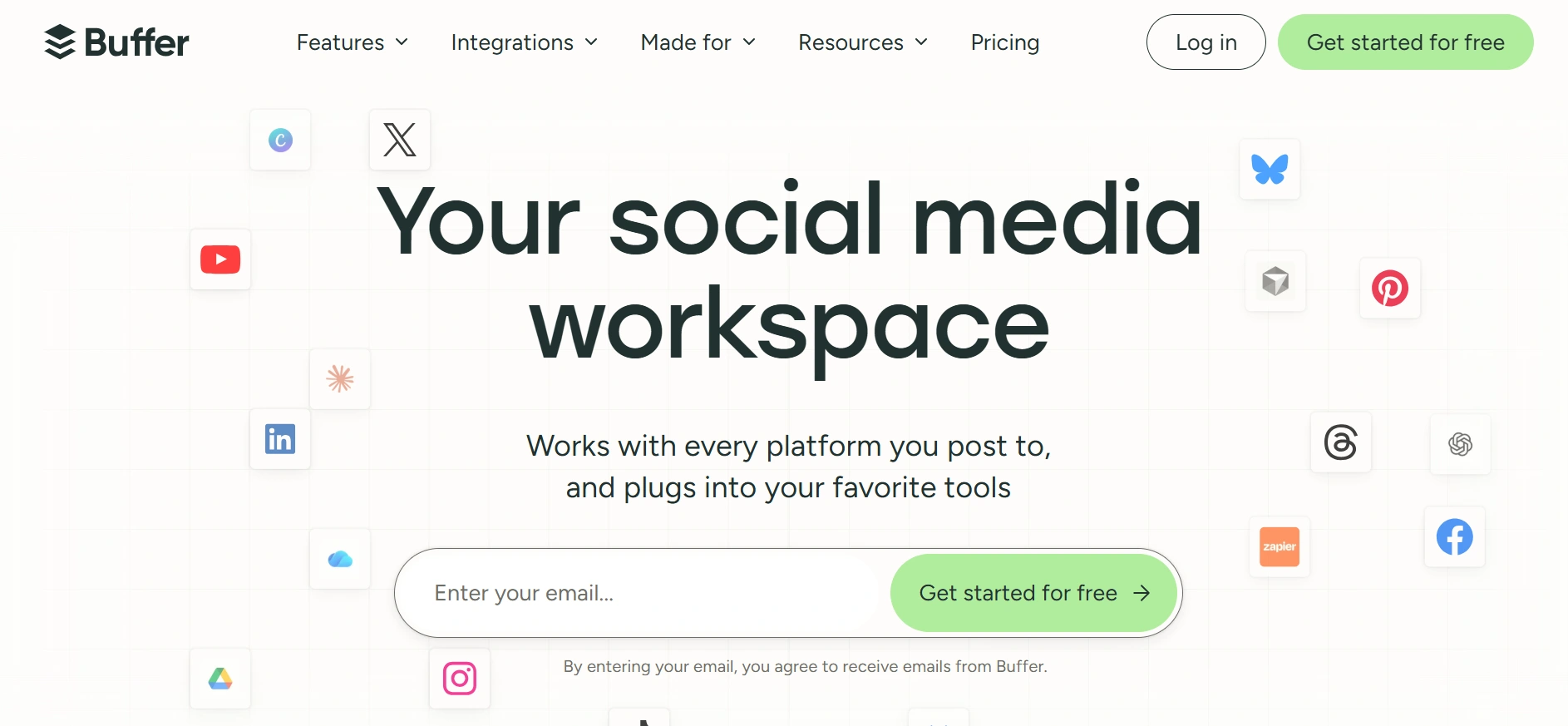
The platform supports a wide range of social networks, including Facebook, Instagram, LinkedIn, TikTok, X, Threads, Pinterest, YouTube, Bluesky, Google Business Profile, Mastodon, and Substack. This makes it useful for people who maintain several social media accounts and want a more organized publishing workflow.
Buffer’s publishing tools allow you to create posts, organize content in a queue, view your publishing calendar, and schedule content for specific dates and times. You can also manage drafts, reuse content, and customize posts for different social networks.
The platform also includes an AI Assistant that can help generate ideas, rewrite content, repurpose existing posts, and adjust content for different platforms. This can be useful when you have an article, video, or other piece of content that you want to turn into several social media posts.
Buffer also provides analytics and insights so you can see how your content performs. Depending on the plan, you can access more advanced analytics, reporting, and performance information. Its Community tools bring comments and audience interactions from supported platforms into one place, making it easier to respond without constantly switching between apps.
Buffer has a free plan that supports up to three social channels and allows up to 10 scheduled posts per channel. Paid plans are priced per channel, with the Essentials plan currently starting at $5 per month per channel when billed annually. The Team plan starts at $10 per month per channel when billed annually.
For bloggers and online business owners, Buffer can be useful for building a consistent social media workflow around website content, products, services, and newsletters. It is particularly useful if you want to spend less time manually publishing posts and more time creating and improving your content.
Want to take your online income journey a step further? Check out our Online Income Starter Kits for simple, practical guidance you can put into action.
Key Features
- Social Media Scheduling: Schedule posts in advance across supported social networks so you can maintain a consistent publishing schedule without manually posting every day.
- Multi Platform Publishing: Connect multiple social accounts and manage content for platforms such as Facebook, Instagram, LinkedIn, TikTok, Pinterest, X, Threads, YouTube, Bluesky, Mastodon, and Substack from one workspace.
- Content Calendar: Use a visual calendar to plan upcoming posts, see your publishing schedule, and organize content before it goes live.
- Content Queue: Add posts to a publishing queue and let Buffer publish them according to your selected schedule. This is useful for preparing content in batches.
- AI Assistant: Generate post ideas, rewrite existing content, repurpose posts, and adjust content for different social platforms with AI assistance.
- Analytics and Insights: Track content performance and audience engagement to understand which posts are working and make better decisions about future content.
- Community Management: Manage comments and audience interactions from supported social platforms through Buffer's Community inbox instead of checking every platform separately.
- Team Collaboration: Team plans allow multiple users to work together, with content approval workflows, access controls, and permissions for managing social media content.
- Integrations: Buffer connects with tools including Canva, ChatGPT, Claude, Google Drive, Dropbox, Zapier, WordPress, Make, and others to support broader content and automation workflows.
Pros
- Easy to use and relatively simple to set up
- Supports many major social media platforms
- Free plan available
- Strong scheduling and content planning features
- AI tools can help with content creation and repurposing
- Analytics and audience management included
- Useful integrations with other content and productivity tools
Cons
- Paid pricing increases with each additional social channel
- Advanced analytics require a paid plan
- Free plan has limits on scheduled posts
- Some advanced collaboration features require the Team plan
- May not provide the depth of features found in larger enterprise social media platforms
- AI features still require human review and editing
- Managing many channels can become expensive as your social presence grows
Best For
Bloggers, content creators, freelancers, marketers, small businesses, social media managers, affiliate marketers, and online businesses.