Best Platforms to Sell Digital Products and Start Earning

Explore the best platforms to sell digital products and start earning online. See how they work, what they cost, and choose the one that fits you best.

What are the best platforms to sell digital products?
You spent weeks building your digital product. Maybe it is an ebook, a Canva template pack, or an online course you poured your expertise into. Then the next question hits you like a wall.
Where do I actually sell this thing?
That question alone has stopped a lot of creators dead in their tracks. The options are many, the fees are confusing, and picking the wrong one can quietly eat into your income before you even notice.
Here is what I know for sure. The platform you choose matters as much as the product you create. Some platforms take 20% or more of every sale. Others handle tax for you globally. Some give you built-in traffic on day one. Others leave all the marketing to you.
This guide breaks it all down plainly, so you can pick what works for your situation and actually start selling.
Key Takeaways
- Always check transaction fees, tax compliance, and file delivery before signing up.
- Choosing the wrong platform can cost you 20% or more of every sale.
- Start free with Gumroad or Payhip if you have no audience yet.
- Use Etsy for built-in traffic with no marketing effort needed.
- Go with Lemon Squeezy or Shopify once you scale past $2,000/month.
- Kajabi and Teachable are worth it only if courses are your main product.
Why the Platform You Choose Changes Everything
Let me put this in real numbers.
Say you sell a $25 ebook and make 100 sales a month. That is $2,500. On a platform that takes 10%, you lose $250 every single month. On one that takes 20 to 25%, you are handing over $500 to $625 each month.
That is not pocket change. That is a flight ticket or a month of software subscriptions.
Beyond fees, the platform decides how fast your buyers get their files, whether you can collect emails, and whether you even own your customer relationships. Some platforms will not let you export your customer list if you leave. That means you built an audience on borrowed land. These things matter long term.
So before picking one, know what you are actually signing up for.
What to Look for Before Picking a Platform to Sell Digital Products
Transaction Fees and Pricing Models
Every platform is built differently. Some charge a monthly subscription with zero transaction fees. Others are free to join but take a cut of every sale.
For example, Payhip’s free plan takes 5% per sale. Gumroad charges a flat 10%. Etsy piles on a $0.20 listing fee, a 6.5% transaction fee, and payment processing on top of that. Before you sign up anywhere, grab a calculator and run your numbers on your expected monthly sales volume.
File Hosting and Delivery Speed
When someone buys your product, they expect to get it instantly. Not in ten minutes. Not after an email chain. Right away.
Good platforms support multiple file types, including PDFs, videos, audio files, zip files, and sometimes even streaming. Make sure your platform handles whatever format your product lives in. Nothing kills a sale faster than a buyer clicking download and getting an error message.
Payment Options
This matters more than people think. Not everyone uses Stripe. Many buyers outside the US still prefer PayPal. Some platforms dropped PayPal support, which locked out a chunk of potential customers.
Check what your target audience uses most and make sure the platform supports it. If you plan to sell to customers in countries where credit cards are less common, PayPal or local payment options become essential.
Built-in Marketing Tools
Some platforms come with email marketing, affiliate programs, coupon codes, and upsell features. Others are bare bones. If you plan to run promotions or build an email list from your storefront, this becomes important early on.
Payhip, for example, includes upsells and cross-sells even on its free plan. That is a real edge for sellers who want to grow without paying for separate tools right away. A customer buying a $20 ebook sees an offer for a $10 template pack on the thank you page. That is extra money you would not have made otherwise.
Tax Compliance for VAT and Sales Tax
This one trips people up, especially if they sell to customers in Europe. EU VAT rules are strict, and getting them wrong is not a fun experience. You could end up owing money to tax authorities in multiple countries without realizing it.
Some platforms act as a Merchant of Record. That basically means they handle global tax collection and remittance on your behalf. Gumroad does this. Lemon Squeezy does this. Payhip handles EU and UK VAT automatically. If you sell internationally, this feature alone can save you serious time and stress.
9 Best Platforms to Sell Digital Products Online in 2026
Let me walk you through the platforms worth your attention, based on what they actually do well. Before that, here is a quick summary table.
| Platform | Best For | Free Option | Transaction Fee | Monthly Plan Starts At |
|---|---|---|---|---|
| Gumroad | Beginners, writers, indie creators | Yes | 10% | None (pay per sale) |
| Payhip | No (7-day trial) | Yes | 5% (free plan) | $29/month (Plus plan drops to 2%) |
| Etsy | Printables, templates, digital art | No ($0.20 per listing) | 6.5% plus payment processing | N/A |
| Lemon Squeezy | Software and SaaS sellers | Yes | 5% + $0.50 per transaction | None (pay per sale) |
| Teachable | Online course creators | No (7 day trial) | Varies by plan | $59/month |
| Shopify | Full brand with multiple product types | No | Varies by payment provider | $39/month |
| Kajabi | High ticket courses and coaching | No | None on paid plans | $149/month |
| Ko fi | Casual sellers wanting zero fees | Yes | 0% | None (free) |
| Podia | Digital downloads, courses, communities | No | None on paid plans | $39/month |
1. Gumroad: Best for Beginners Who Want Zero Monthly Fees
Gumroad is where a lot of creators make their first sale. There is no monthly subscription, which means you can start with zero risk.
You set up a product page, add your file, set a price, and share the link. That is genuinely it. The platform supports ebooks, templates, courses, memberships, software, and even physical products.
The flat 10% fee on every sale is the trade-off. At low volumes, it is fine. At higher volumes, you will want to move to a cheaper option.
Gumroad also handles EU VAT automatically, which is a major plus for international sellers. No stress about tax compliance across different countries.
Gumroad has a small built-in discovery marketplace. People can browse and find your products without you sending them directly. That marketplace is not huge, but it is more than most platforms offer.
What I also appreciate is how simple the checkout experience is for buyers. No account creation required. They enter their email, pay, and get the file instantly. That matters because every extra click loses customers.
You can also create discount codes, set up payment plans for higher-priced products, and bundle multiple products together. These features work right out of the box without any complicated setup.
For a beginner who just wants to get a product live and see if anyone buys it, Gumroad is a solid starting point.
2. Payhip: Best Low-Cost Alternative to Gumroad
Payhip is genuinely underrated.
Their free plan takes only 5% per transaction, which is half of what Gumroad charges. The $29 per month Plus plan drops that to 2%. The $99 per month Pro plan removes transaction fees entirely.
Here is the math that sold me on it. If you do $2,000 a month in sales, Payhip Pro costs you $99 flat. At 5% on the free plan, that same $2,000 would cost you $100. The Pro plan basically pays for itself at that point and gets cheaper from there. The more you sell, the more sense Payhip makes.
What I like most is that you can easily customize your store layout using a simple drag-and-drop builder. No coding required.
You can also connect your own subdomain, so your store lives at something like (store.yourname.com) instead of a generic Payhip address. That small touch makes you look more professional from day one.
Payhip also lets you collect email addresses from buyers and browsers. That means you are building your own audience with every single visitor.
Payhip handles EU and UK VAT automatically. It also gives you upsells, cross-sells, and affiliate tools on all plans.
The affiliate feature is worth noting. You can let other people promote your products for a commission, which means more sales without you doing extra marketing. That alone can turn a small shop into a growing business.
I recommend Payhip because it gives you more of your money back compared to most alternatives. The platform is clean, the payout schedule is reliable, and your customers get their files instantly.
For creators who want a simple storefront without giving away a big chunk of every sale, Payhip is consistently my first recommendation.
3. Etsy: Best Digital Product Marketplace for Built-in Traffic
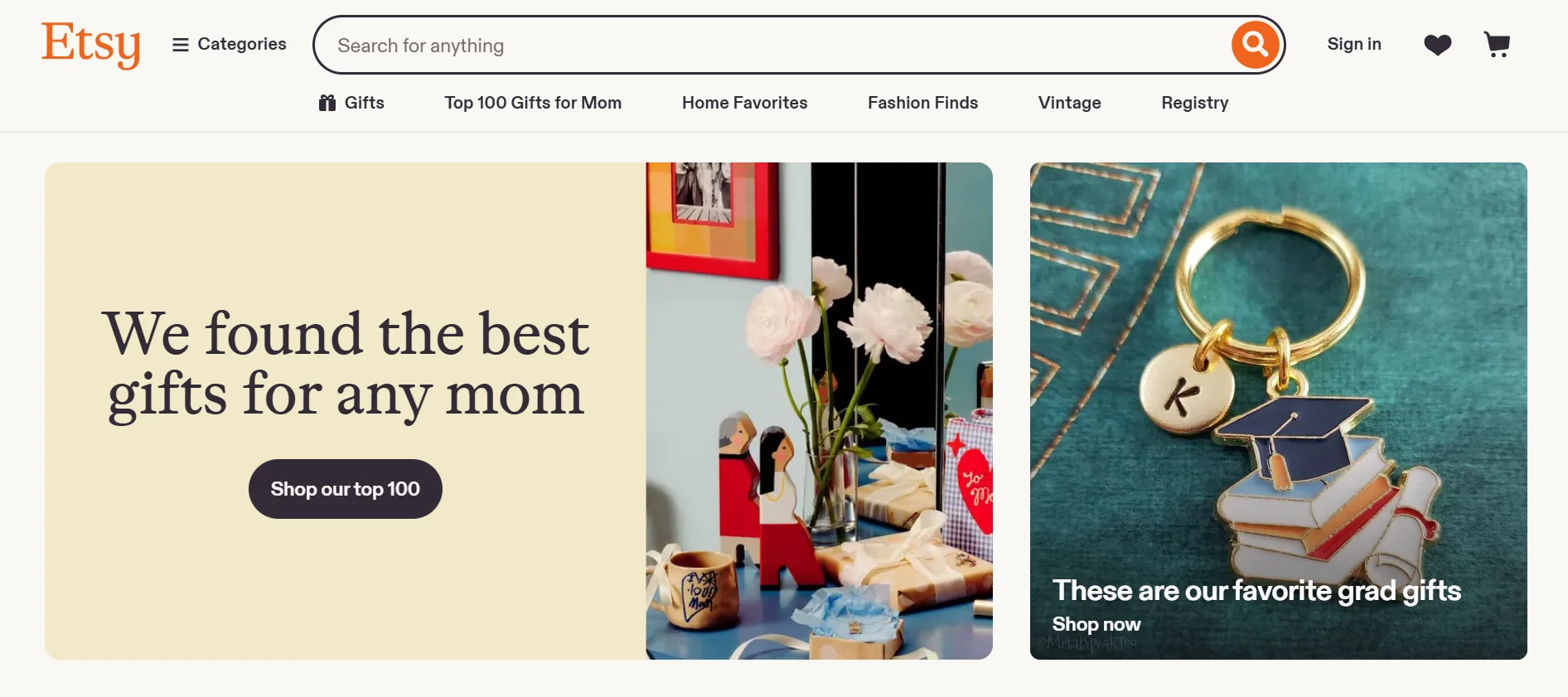
Etsy has over 96 million active buyers. That number is not a small thing. When you list a product on Etsy, you are putting it in front of people who are already there to shop.
This is why Etsy works so well for printables, planners, templates, SVG files, and digital art. You do not need a social media following or an email list. You just need a well-optimized listing and a product people want.
The fees add up, so your margins are thinner. But the built-in traffic is something no standalone platform can replicate on day one.
A new Etsy shop can make its first sale within a week without running a single ad or writing a single social media post. That is the power of a marketplace.
What I also like about Etsy is that buyers already trust the platform. They know how checkout works. They know they can dispute a problem. That trust transfers to you as a seller.
Etsy also handles payment processing and collects sales tax automatically in many regions. One less thing for you to worry about.
You can also run sales and offer discount codes. Etsy has a built-in review system that gives social proof to your products. A few good reviews, and your listing starts ranking higher in Etsy search.
For digital products that fit Etsy’s audience, it is one of the fastest ways to get your first sales without building an audience from scratch.
4. Lemon Squeezy: Best for Software Sellers and SaaS Creators
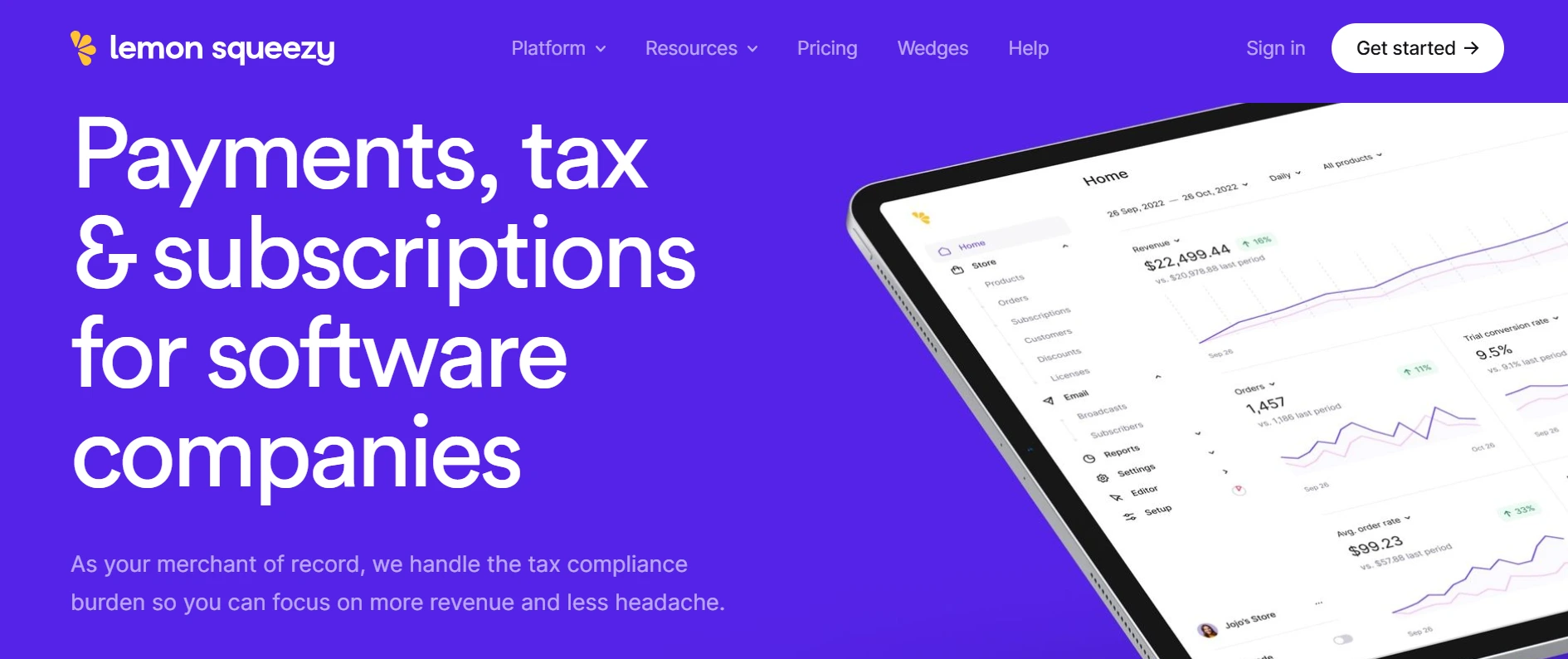
Lemon Squeezy was built specifically for selling software and SaaS subscriptions.
It handles global sales tax and VAT on your behalf as a full Merchant of Record. That is critical for software businesses selling across many countries. Getting taxes wrong in different regions can be a nightmare, and Lemon Squeezy removes that headache completely.
Stripe acquired Lemon Squeezy in 2025 and has been integrating their capabilities. The platform still runs as usual and remains a solid pick for software founders who want to focus on building, not tax admin.
The free tier charges 5% plus $0.50 per transaction. No monthly fee to start.
The platform also handles license key generation and verification, which is essential for software sellers. Your customers get their keys instantly after purchase. You do not have to manually generate or email anything.
The checkout experience looks clean and professional. Customers can pay with a credit card or PayPal. You can also set up subscription plans with different tiers.
Lemon Squeezy provides analytics on conversions, revenue, and customer behavior. That data helps you understand what is working and what needs improvement.
For software creators who want to sell globally without dealing with tax complexity, Lemon Squeezy is a strong choice right out of the gate.
5: Teachable: Best for Online Course Creators
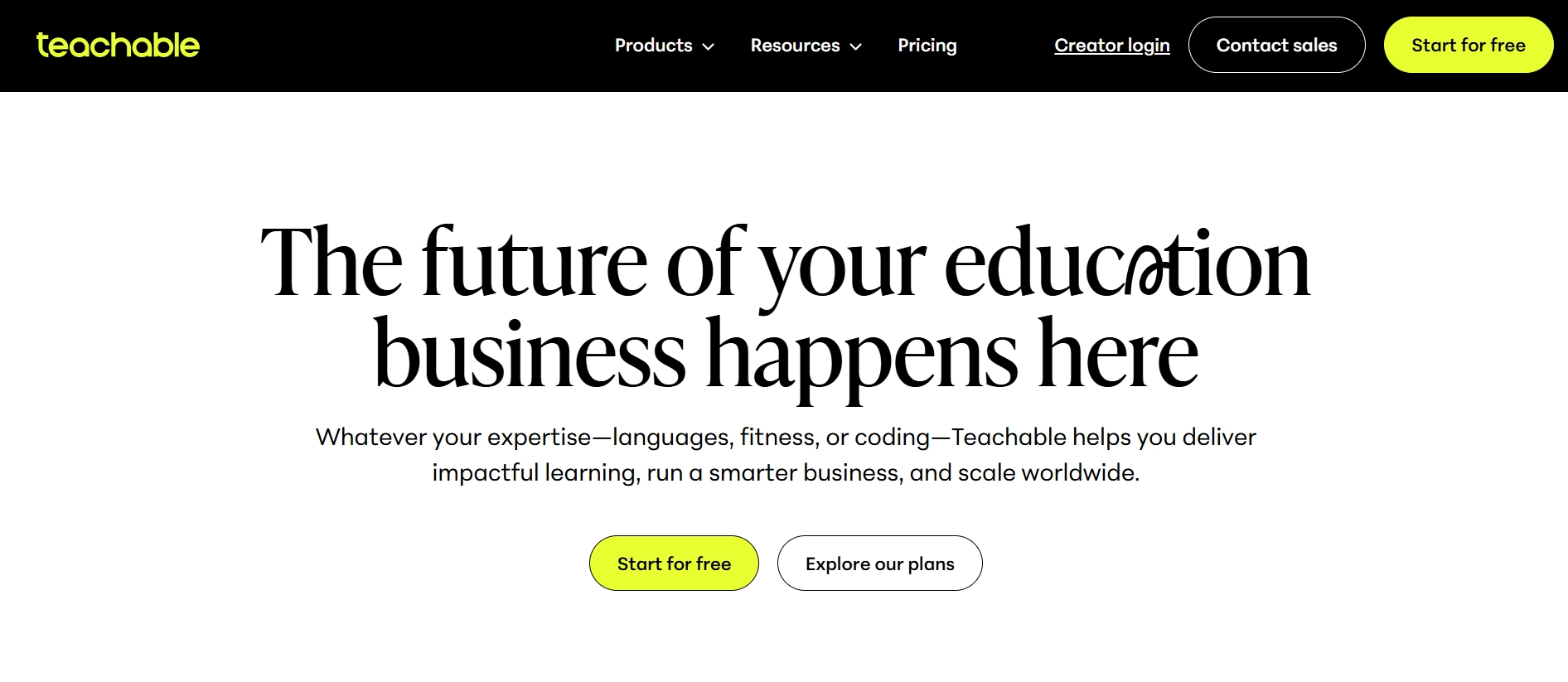
Teachable was built from the ground up for online education.
You get a drag-and-drop course builder, video hosting, quiz tools, a student dashboard, and built-in affiliate marketing. Everything you need to run a course is in one place.
They removed their free plan in 2025 but replaced it with a seven-day free trial that gives you full access. Paid plans start at $59 per month.
If courses are your main product and you want a platform that handles everything without needing third-party tools, Teachable is a strong choice.
The video hosting alone is worth considering. Hosting course videos on YouTube or Vimeo adds complexity. You lose some control over how students access the content. Teachable keeps everything inside your course.
Students also get their own login dashboard where they can track progress, see completed lessons, and pick up where they left off. That experience feels professional and keeps students engaged.
For serious course creators who want a dedicated platform without piecing together multiple tools, Teachable delivers.
6. Shopify: Best for Creators Building a Full Brand
Shopify is for creators who think long term and want full control.
You can sell digital and physical products, run a blog, connect with social media channels, and use hundreds of apps to build exactly the store you want.
For digital products specifically, you will need an app like Sky Pilot or SendOwl to handle file delivery and download links. That adds a bit of setup, but the flexibility you get in return is unmatched.
Monthly fees apply, starting at $39 per month.
If you are doing serious volume and want to own your brand completely, Shopify is hard to outgrow. You control every page, every email address, and every customer relationship.
No platform fee eats into your margins the same way transaction-based platforms do. Once you reach a certain sales volume, that flat monthly fee becomes much cheaper than paying a percentage on every sale.
Shopify also gives you access to professional reporting, abandoned cart recovery, and hundreds of integrations. For building a real business around digital products, it is a serious option.
7. Kajabi: Best All in One Platform for Premium Courses and Memberships
Kajabi is what you pick when you want to replace five tools with one.
It has email marketing, sales funnels, CRM, webinars, community features, and a course builder, all in a single platform. You do not need to connect different tools or worry about integrations breaking.
The price is higher than most options here, starting around $149 per month.
But if you are running a high ticket course or coaching business, the math often works in your favor because you are cutting other subscriptions.
Instead of paying separately for ConvertKit, Circle, Teachable, and Zoom, you pay one Kajabi bill and get everything integrated. For established creators, that simplicity is worth the price.
You also get a built in mobile app for your students. That means your courses can be accessed on phones and tablets without students needing a third party app.
Kajabi handles payment processing, including payment plans and subscriptions. You can set up automated email sequences to onboard new students without touching anything.
The platform also includes a pipeline builder for sales funnels. You can create landing pages, checkout forms, and upsell offers without needing a separate page builder.
For creators who are already doing six figures or aiming there, Kajabi saves time and reduces technical headaches. The all in one approach means less time managing tools and more time creating content.
8. Ko-fi: Best Free Platform With Zero Transaction Fees
Ko-fi charges absolutely nothing on sales. Zero percent. That makes it unique in this space.
It is popular with artists, writers, and creators who want to sell a few digital products and accept tips or donations without any platform eating into every transaction. The interface is simple and community friendly.
You can also set up monthly memberships. Fans pay you a small amount each month in exchange for exclusive content or early access. That turns casual supporters into recurring income.
The trade off is that it is not built for scaling a serious digital product business. The features are basic. There are no upsells, no affiliate tools, and limited customization.
You also cannot collect email addresses natively. That means every person who buys from you stays on Ko fi, not in your own email list. You do not own that relationship long term.
But for creators who are just starting out or selling casually, it is hard to beat free. No monthly fee. No transaction fee. You keep everything you earn.
The setup takes minutes. You add a product, set a price, and share your link. For testing an idea or selling a small digital item, Ko-fi is the fastest way to start.
9. Podia: Best for Creators Who Want Everything in One Place
Podia covers digital downloads, online courses, webinars, and paid communities in one clean interface. No transaction fees on paid plans, and the setup is beginner friendly.
It sits somewhere between Teachable and Kajabi in terms of features and price. A solid middle ground option for creators who want more than a basic storefront but do not need the full Kajabi setup.
Podia also includes a free migration service, which is useful if you are moving from another platform. They will transfer your products, customers, and content for you.
You get unlimited everything on their paid plans. Unlimited courses, unlimited students, unlimited digital products. No surprise fees as you grow.
Podia handles email marketing too. You can send broadcasts and set up automated email sequences to your customers. That means one less tool to pay for separately.
The checkout experience is clean and converts well. Customers can pay with a credit card or PayPal. You can also offer payment plans for higher-priced courses.
For creators who want a simple, all in one platform without the complexity of Kajabi or the transaction fees of Gumroad, Podia is worth a serious look.
Free Platforms to Sell Digital Products With No Upfront Cost
Here is a quick snapshot of what the free tiers actually cost you in real terms.
Gumroad charges 10% per sale with no monthly fee. Payhip charges 5%. Ko fi charges 0%. Etsy charges $0.20 per listing plus 6.5% per transaction. Lemon Squeezy charges 5% plus $0.50 per transaction.
“Free” is never truly free. It usually means you pay per sale instead of per month. At low volumes, that is fine.
Here is where the math shifts. If you sell $500 a month, Payhip’s 5% costs you $25. Gumroad costs $50. Those numbers are manageable.
But if you sell $5,000 a month, Payhip’s 5% costs you $250. Gumroad costs $500. At that point, a $99 per month Payhip Pro plan removes fees entirely and saves you money starting from month one.
Etsy works differently. You pay per listing, even if nothing sells. A shop with 100 active listings pays $20 per month just to keep them visible, plus transaction fees on every sale.
Ko fi is the only platform that takes nothing. But you trade features for that zero percent. No upsells, no affiliate tools, no email collection. For casual sellers, that might be fine. For serious sellers, those missing features cost more in lost revenue than a small transaction fee would.
The right choice depends on your volume. Start free, track your sales, and upgrade when the math tells you to.
Marketplaces vs Your Own Store: Which One Should You Use?
This is the question I see creators wrestle with the most.
Marketplaces like Etsy, Creative Market, and Gumroad’s discovery feed bring you traffic. You do not have to build an audience to make sales. The downside is thinner margins, limited branding, and less control over customer relationships. If Etsy decides to change its fee structure or algorithm, your income can change overnight.
Your own store via Shopify, WooCommerce, or Payhip gives you full control. Your brand, your email list, your pricing. The downside is that you have to drive all your own traffic. No one will find your store by accident.
My honest take: start with a marketplace if you have no audience. Once you understand what sells and you have built some momentum, layer in your own storefront. Use both. Do not treat it as an either or situation.
Which Platform Is Right for Your Product Type?
Here is a plain breakdown so you are not overthinking it.
Selling ebooks and PDF guides? Start with Gumroad or Payhip. Both let you upload a file, set a price, and share a link in minutes. No monthly fees on their free plans. Simple, fast, and low cost.
Selling online courses? Go with Teachable, Kajabi, or Podia depending on your budget and how many tools you want in one place. Teachable is great for standalone courses. Podia adds email marketing and communities. Kajabi replaces five tools but costs more.
Selling printables, templates, or digital art? Etsy is your best starting point for traffic. The platform brings millions of buyers who are already searching for exactly what you sell. Creative Market works well for design assets aimed at professionals, but you need higher quality work to get accepted.
Selling software or SaaS? Lemon Squeezy is built for exactly that. The automatic tax handling and license key generation alone are worth it. No other platform on this list handles software licensing as smoothly.
Building a full brand with multiple product types? Shopify gives you the most room to grow. You can sell digital and physical products, run a blog, and build an email list. The monthly fee is higher, but you own everything.
Just starting and want zero fees? Ko-fi is the most generous option out there. Zero percent on sales with no monthly fee. You keep everything you earn. Just know that features are basic, and scaling beyond casual sales will eventually require a move to another platform.
Conclusion
There is no single best platform for everyone. The right pick depends on what you sell, how much you sell, and what you value most: low fees, built in traffic, tax compliance, or brand control.
If you are just getting started, Gumroad or Payhip will get you moving without spending a cent upfront. If you want built in traffic immediately, Etsy is your fastest path to early sales. If you are building something bigger, Shopify or Kajabi gives you the infrastructure to grow.
What I always tell people is this: do not wait for the perfect platform. Pick one that fits where you are right now, launch your product, and learn from real sales. You can always move or expand later. The worst mistake is staying stuck in research mode while your product sits untouched on your hard drive.
Pick a platform. Get it live. The rest figures itself out from there.
Frequently Asked Questions About Best Platforms to Sell Digital Products
What is the best free platform to sell digital products?
Ko fi is the most generous free option because it takes 0% on every sale. Payhip is another strong pick with only a 5% transaction fee on its free plan. Both let you start selling without any upfront cost. The right choice depends on whether you need zero fees with Ko fi or a more complete storefront with marketing tools using Payhip.
How do I sell digital products without a website?
You do not need a website at all. Platforms like Gumroad, Payhip, and Ko fi give you a product page and checkout link that you can share directly on social media, in your email newsletter, or through any link in bio tool. Many creators make consistent income this way without ever building a full website.
Which platform has the lowest fees for selling digital products?
Ko-fi charges 0% transaction fees, making it the lowest on the list. After that, Payhip’s free plan takes only 5% per sale. If you are doing high volume, Payhip Pro at $99 per month removes fees entirely, which means your effective fee rate drops below 5% quickly once your monthly sales cross $2,000.
Can I sell digital products on Etsy?
Yes, and it works really well for certain product types. Etsy is especially strong for printables, Canva templates, planners, digital art, and SVG files. The platform has over 96 million active buyers, so you can make sales without building your own audience. Just know that the combined fees can push your total cost to around 10 to 12% per sale.
What digital products sell the most online?
Online courses consistently rank as the highest earning digital product type because they can be priced much higher than one off downloads. After courses, ebooks and guides, Canva templates, Notion templates, budget and planning spreadsheets, and digital art printables all perform strongly. The best sellers solve a very specific problem for a very specific group of people.
Is Gumroad or Payhip better for beginners?
Both are solid starting points, but they serve slightly different needs. Gumroad is simpler to set up and has a small built-in discovery marketplace. Payhip gives you lower fees at 5% versus 10%, upsells on the free plan, and PayPal support throughout. If keeping more of your revenue from the start matters to you, Payhip has the edge. If you want the fastest possible setup with the most beginner friendly interface, Gumroad wins on simplicity.