How to Write a Remote Job Resume That Gets Interviews

Learn how to write a remote job resume that gets interviews. ATS tips, real examples, and what hiring managers actually look for.
Here’s something most people don’t know when they start applying for remote jobs. You can be completely qualified for a role and still hear nothing back.
Not because you’re not good enough. But because your resume was written for an office job.
Remote hiring works so differently. The screening process is always stricter than you may think. The competition is global. And the signals hiring managers look for are completely different from what gets you hired in a traditional role.
I have looked at what actually works now, I have talked to a couple of real hiring managers, and broken down the patterns in successful remote applications. This guide gives you everything you need to write a remote job resume that moves past the bots, lands in front of a human, and gets you to the interview.
Key Takeaways
- Remote resumes must prove you can work without supervision, not just claim it
- ATS systems screen most resumes before a human ever sees them
- Replace duties with measurable results and add remote context wherever possible
- The resume summary is the most valuable section. Do not waste it
- Tailor every application to the specific job description, not a general template
- List the actual tools you use, Slack, Notion, Asana, not just “proficient in software”
- Apply early. Most remote roles shortlist candidates within the first 48 hours
Why Your Current Resume Is Failing Remote Applications
The remote job market is currently more competitive than ever, not because fewer companies are hiring remotely, but because remote job postings attract 2.6 times more applications than in-person roles. A single remote position may receive 250 or more applications.
Most of those applications are eliminated before a human ever reads them. Not because the candidates lack skill. Because their resumes fail the screening process for entirely fixable reasons.
The gap between landing interviews and hearing nothing usually comes down to one thing: how clearly your resume signals that you already know how to work remotely.
Resumes with remote-specific keywords and quantified distributed work experience got 36% more callbacks than generically formatted versions applied to the same roles.
That number alone should tell you something important. The resume content matters, but how you frame it matters just as much.
Start your remote job journey. Browse websites that pay and find your best fit.
What Remote Hiring Managers Actually Screen For
Before you rewrite a single line, understand what remote employers are evaluating. It’s not the same checklist as traditional hiring.
Hiring managers prioritize remote tool proficiency at 92%, written communication skills at 89%, self-management ability at 87%, time zone flexibility at 78%, and remote-specific achievements at 76%.
Notice what’s on that list. It’s not just your job title or your degree. It’s proof that you can operate without being watched, communicate without a face-to-face conversation, and deliver results that someone can measure from across the world.
On-site hiring gives a company daily visual proof that you showed up and contributed. Remote hiring eliminates that signal. Your resume has to fill the gap by proving self-direction, asynchronous communication ability, and a track record of results.
Keep those three things in your head as you build every section of your resume.
Check Out: How to Get Your First Freelance Client Fast (No Experience Needed)
How to Format a Remote Job Resume the Right Way
Most people spend too much time on design and not enough on structure. A beautifully designed resume with columns, icons, and colored headers looks impressive to the human eye. But it often gets destroyed by the software that reads it first.
Before your resume reaches a recruiter, it often passes through software. If your resume is not optimized for an Applicant Tracking System (ATS), it might never be seen. Avoid graphics, tables, or unusual fonts.
Keep the layout simple. Use a standard font like Calibri, Arial, or Georgia. Left-align your text. Use clean section headers. Keep it between one and two pages, depending on your experience level.
Reverse chronological order is still the most effective structure for most applicants. It’s easier for both recruiters and ATS systems to scan quickly.
How to Make Your Resume ATS-Friendly for Remote Roles
ATS stands for Applicant Tracking System. It’s software that most companies use to filter resumes before a human ever gets involved.
By the end of 2025, 83% of companies were using AI for resume screening. ATS systems score keyword match rates. A resume that scores below a threshold is auto-rejected, regardless of your experience.
Here’s how to beat it. Read the job description carefully. Identify the exact words and phrases they use. Then mirror that language in your resume. If they say “asynchronous communication,” use that exact phrase. If they say “project management,” don’t substitute “task coordination.”
I recommend using Jobscan to paste your resume and a job description side by side. It shows you a match score and highlights the gaps. It takes 10 minutes and can dramatically improve your callback rate.
How to Write Each Section of Your Remote Resume
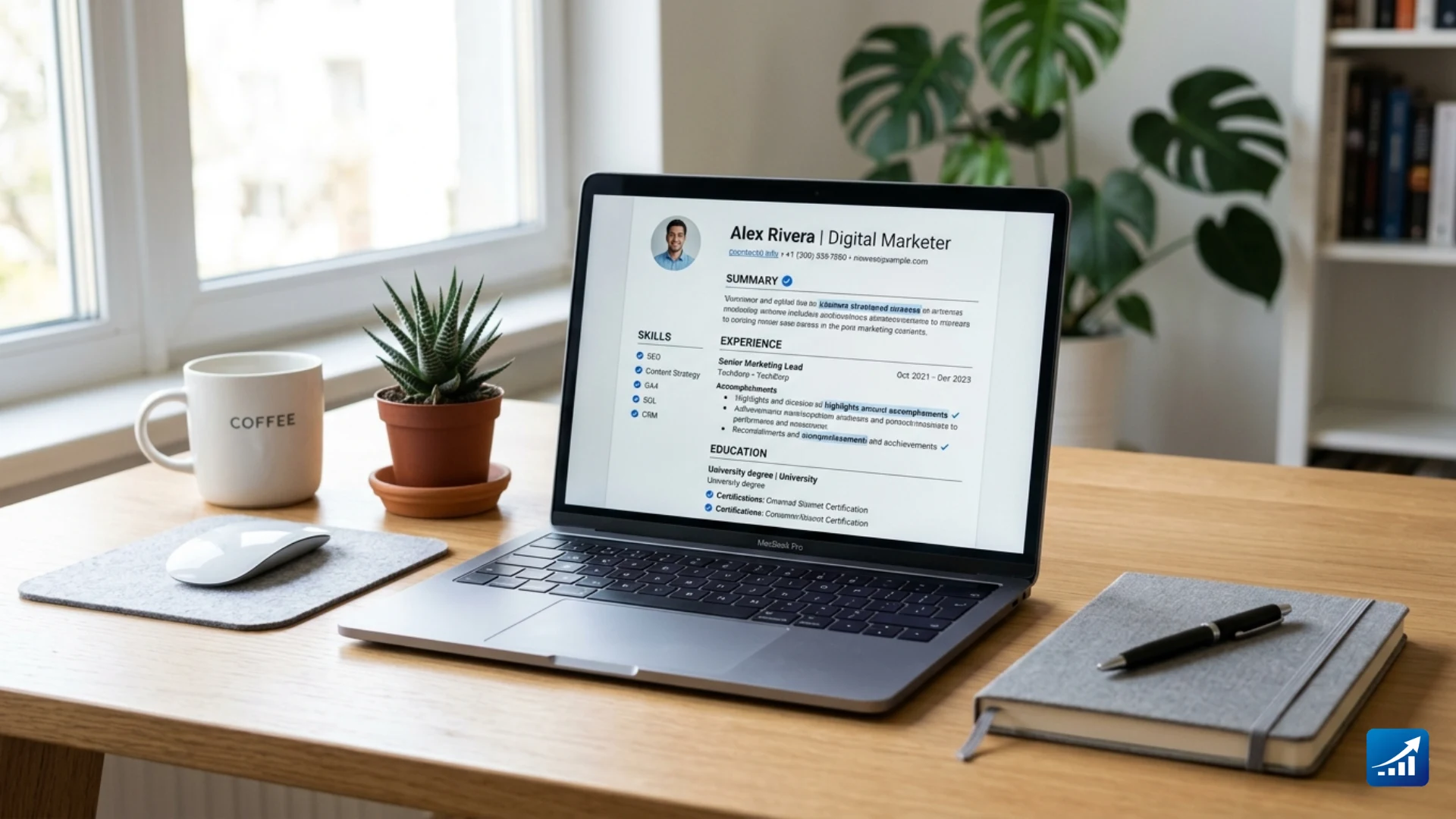
1. Contact Information: Signal Remote From the Start
This section seems simple. Most people just list their name, phone number, and email. But on a remote resume, there’s a small but important change to make.
Instead of adding your physical address, specify you prefer working remotely by writing “working remotely from [location].” Many companies hiring remote workers are looking for people in specific countries or time zones.
If you’re applying for roles across different time zones, add your time zone next to your location. Something like “Remote, New York, NY, USA (GMT-4)” tells a global hiring manager exactly what they need to know without them having to ask.
Include your LinkedIn URL and portfolio link if you have one. Both get checked.
Resume Summary: Your Most Valuable Real Estate
Generic objective statements like “seeking a challenging remote position” waste the most valuable real estate on your resume. Replace it with a specific summary that names your specialty and quantifies your impact.
Most people write summaries about what they want. Flip that. Write about what you deliver.
Here’s the difference in practice.
Weak version: “Experienced marketing professional looking for a remote opportunity to grow in a dynamic company.”
Strong version: “Digital marketing manager with 5 years of driving organic growth for SaaS companies. Increased search traffic by 80% in 12 months, managing fully distributed teams across three time zones using Asana and Slack.”
Same person. Completely different impact. The second one tells the hiring manager exactly who you are, what you deliver, and that you’re already comfortable working remotely. That’s three wins in two sentences.
Your resume summary is a great place to mention you prefer working remotely, highlight one or two in-demand remote working skills, or list the time zones where you’re available to work.
Keep it to two or three sentences. Any longer and it loses punch.
Work Experience: Results Over Responsibilities
This is where most remote applications fall apart. People list what they were supposed to do instead of what they actually did. And in remote hiring, that gap matters a lot.
The most common resume mistake is listing duties instead of results. Employers hiring remotely care about what you delivered, not what you were supposed to do. In a remote setting where output is harder to observe, measurable achievements are your most credible proof of value.
Use this formula for every bullet point:
Action verb + what you did + measurable result + remote context where applicable.
Here’s what that looks like in practice.
Before: “Responsible for managing the company’s social media accounts.”
After: “Grew Instagram following by 47% in six months by building a structured content calendar using Buffer, coordinating asynchronously with a remote design team across three time zones.”
See the difference? The second version shows output, tools, and remote context all in one line. That’s exactly what remote hiring managers want to see.
Even if your past roles were not officially remote, you can add remote context. Did you collaborate with colleagues in other offices? Manage projects using digital tools? Work independently on deliverables?
Frame past experience in remote-friendly language like “collaborated with three remote offices to launch product” or “led virtual training sessions for 50 or more employees.”
Skills Section: Remote Tools Matter Here
Your skills section is not a place for raw, generic terms. “Team player,” “great communicator,” and “hard worker” tell a remote employer absolutely nothing.
This section should list the actual tools and platforms you use. Remote employers check for specific software fluency, not personality traits.
Currently, the tools that carry the most weight across remote roles include Slack, Notion, Asana, Trello, Monday.com, Zoom, Google Workspace, Loom, Zapier, and Airtable. For technical roles, add GitHub, Jira, AWS, Figma, or whatever tools are standard in your field.
Once candidates listed their proficiency with Slack, Asana, and Zoom with concrete examples, their callback rate doubled.
Organize your skills section into clear groups. Remote collaboration tools in one group, technical skills in another, and domain-specific skills in a third. That structure is easy to scan and helps ATS systems categorize you correctly.
Check Out: 15 Essential Skills Needed for Remote Jobs in 2026 (The Complete Guide)
Education and Certifications
Keep this section brief unless you’re early in your career. List your highest qualification, your institution, and the year you graduated. That’s usually enough.
Certifications matter more for remote roles than people expect. They signal that you take self-directed learning seriously, which is itself a remote work skill.
Google’s Digital Marketing, Project Management, and Data Analytics certifications are widely recognized. HubSpot certifications carry weight in marketing roles. CompTIA certifications help in tech roles.
If your certification is more relevant to the role than your degree, list it first. Employers care about relevance, not hierarchy.
Optional Sections That Strengthen a Remote Resume
Once your core sections are solid, these extras can help your application stand out.
A projects section works well if you’ve done freelance, personal, or volunteer work that demonstrates remote capability.
Detail specific projects where you improved remote operations or implemented digital tools. Volunteer roles where you managed or participated in remote activities can also demonstrate your ability to coordinate from afar.
A portfolio link is non-negotiable for creative, content, marketing, and design roles. Put it in your contact section and reference it in your summary.
Publications, if you have them, show thought leadership. Any articles or posts you’ve written about your field add credibility without taking up much space.
Looking for your first remote job? Explore websites that pay and match your skills.
How to Tailor Your Remote Resume for Every Job
Sending the same resume to every remote posting is the fastest way to get ignored. Remote roles attract global applicants, so competition runs higher than for location-specific positions. Tailoring takes 15 to 20 minutes per application and dramatically improves your callback rate.
Here’s a practical system.
- Read the full job description.
- Identify the three to five most important requirements.
- Reorder your bullet points so your most relevant experience appears first.
- Adjust your summary to reflect the specific role and company.
- Match the exact terminology from the posting.
Companies like Zapier, Buffer, and Basecamp publish detailed “how we work” pages. Use that language when you reference their tools and methodologies if you have experience with them.
That kind of company-specific language in your resume signals genuine interest. It tells the hiring manager you didn’t just send a generic application. You actually read about them.
Check out: 25 Best Online Side Hustles That Pay Fast and Work From Home Without Stress
The Biggest Remote Resume Mistakes That Kill Applications
Let’s be direct about what sends applications straight to the rejection pile.
No evidence of remote work is the most common. If you have worked remotely before, make it visible. If you have not, highlight freelance projects, open source contributions, or independent volunteer work. Remote experience can come from many places. You just have to make it explicit.
Listing responsibilities instead of results. This is already covered above, but it cannot be overstated. Every bullet point on a remote resume should answer the question: so what happened?
Skipping the tools section or filling it with generic terms. Missing specific tool names is a keyword gap that ATS systems penalize. And claims like “excellent communicator” without evidence mean nothing to a remote hiring manager.
Applying late is another silent killer. With 250 or more applicants per role, companies often shortlist candidates within the first few days. Late applications are frequently overlooked regardless of quality.
Set up job alerts on FlexJobs, We Work Remotely, and LinkedIn. Apply on the same day you find a posting. That window matters.
A Remote Resume Summary Example That Works
Here’s a quick annotated example for a remote project manager applying to a tech company.
“Remote project manager with 6 years delivering cross-functional software launches for distributed teams across the US, Europe, and Africa. Cut average project delivery time by 22% using Notion and Asana workflows. Experienced in managing async teams of up to 15 people across four time zones.”
What makes this work? It names the role clearly. It quantifies impact with a real number. It names specific tools the ATS will scan for. It signals time zone experience. And it shows scale without sounding inflated.
That’s the structure to aim for in your own summary, adapted to your actual experience and the role you’re applying for.
What to Do After Submitting Your Remote Resume
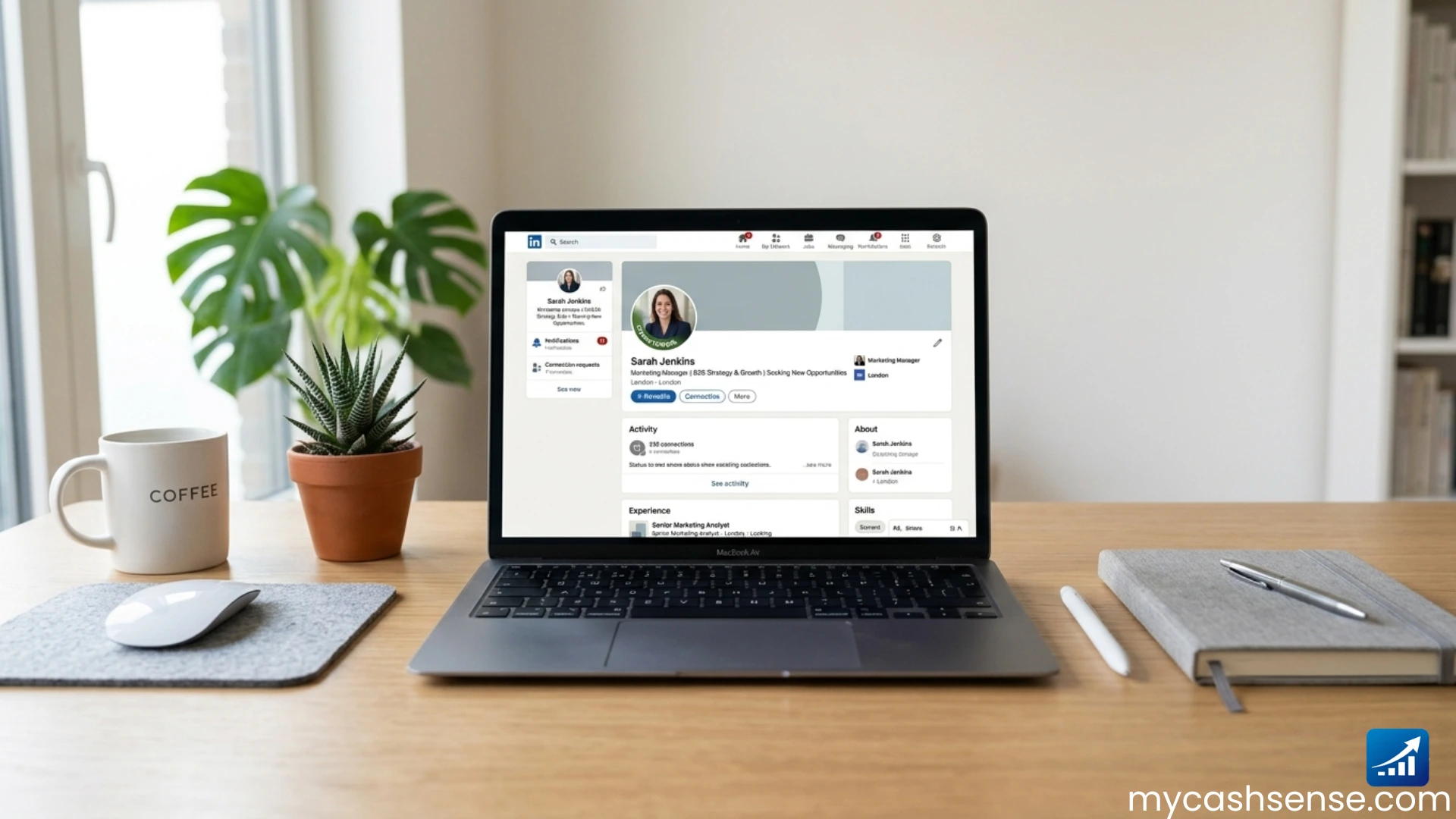
Your resume gets you to the door. Your LinkedIn profile and digital presence decide whether someone opens it.
Hiring managers almost always search for candidates online before scheduling interviews. A strong digital presence reinforces your application. Think of your About section as a written interview answer, not a bio.
Make sure your LinkedIn summary matches the energy and content of your resume. Inconsistencies between the two raise questions that you won’t get a chance to answer.
Turn on your “Open to Work” setting specifically for remote roles. LinkedIn allows you to filter by remote, hybrid, or on-site. Use that filter so recruiters searching for remote candidates find you.
After applying, give it three to five business days. If you haven’t heard back and there’s a way to reach out through LinkedIn or a contact email on the job post, a brief, polite follow-up is completely acceptable.
Something like: “Hi, I recently applied for the [role] position and wanted to follow up. I’m genuinely excited about this opportunity and happy to share more if helpful.”
One line, warm tone, and not showing any desperation.
Conclusion
Writing a remote job resume that gets interviews is not about having a perfect career history. It’s about presenting what you have in a way that matches exactly what remote employers are looking for.
Clean, ATS-safe formatting. A summary that signals remote readiness from the first line. Work experience bullets that show results, not just responsibilities. A skills section with real tool names. And a tailored application that speaks directly to each company’s language and culture.
Every single element of your resume should answer one question: Can this person deliver results without being watched, managed, or hand-held?
If your resume answers that question clearly and consistently, you will get interviews. It’s not luck. It’s just the right signal in the right format.
Start with your summary today. Get that right first. Then work through each section using what you’ve learned here. Your next interview is closer than you think.
Want your first remote job? Browse websites that pay and find what fits your skills.
Frequently Asked Questions About How to Write a Remote Job Resume That Gets Interviews
How do I write a resume for a remote job with no remote experience?
Highlight any work you have done independently, cross-office collaborations, freelance projects, or volunteer roles where you used digital tools. Frame these experiences in remote-friendly language. List the tools you used. Employers care about demonstrated capability, not the official label of your past roles.
What keywords should I include in a remote job resume?
Mirror the exact language in the job description. Common high-value keywords include asynchronous communication, remote collaboration, distributed teams, self-management, and the specific tools listed in the posting, such as Slack, Notion, Asana, or Zoom. ATS systems match keywords precisely, so exact phrasing matters.
How long should a remote job resume be?
One to two pages is the standard. Early-career professionals should aim for one page. Experienced professionals with 10 or more years may use two pages. Every line should earn its place by proving you can do the work remotely. Cut anything that doesn’t serve that goal directly.
Should I mention my home office setup on my resume?
Usually not in the main sections. For roles that specifically require heavy video conferencing or specialized equipment, a brief note like “professional home office with high-speed internet and dedicated workspace” is acceptable. For most roles, save this detail for the interview conversation instead.
How do I make my remote resume ATS-friendly?
Use a clean, simple layout with no graphics, tables, or columns. Stick to standard fonts and clear section headers. Mirror the exact keywords from the job description throughout your resume. Use tools like Jobscan to check your keyword match score before submitting each application.
What remote tools should I list on my resume?
List tools you have genuinely used and can speak to in an interview. The most recognized include Slack, Zoom, Notion, Asana, Trello, Google Workspace, Loom, Zapier, and Airtable. For technical roles, add tools specific to your field like GitHub, Jira, Figma, or AWS. Specificity always beats vague claims.