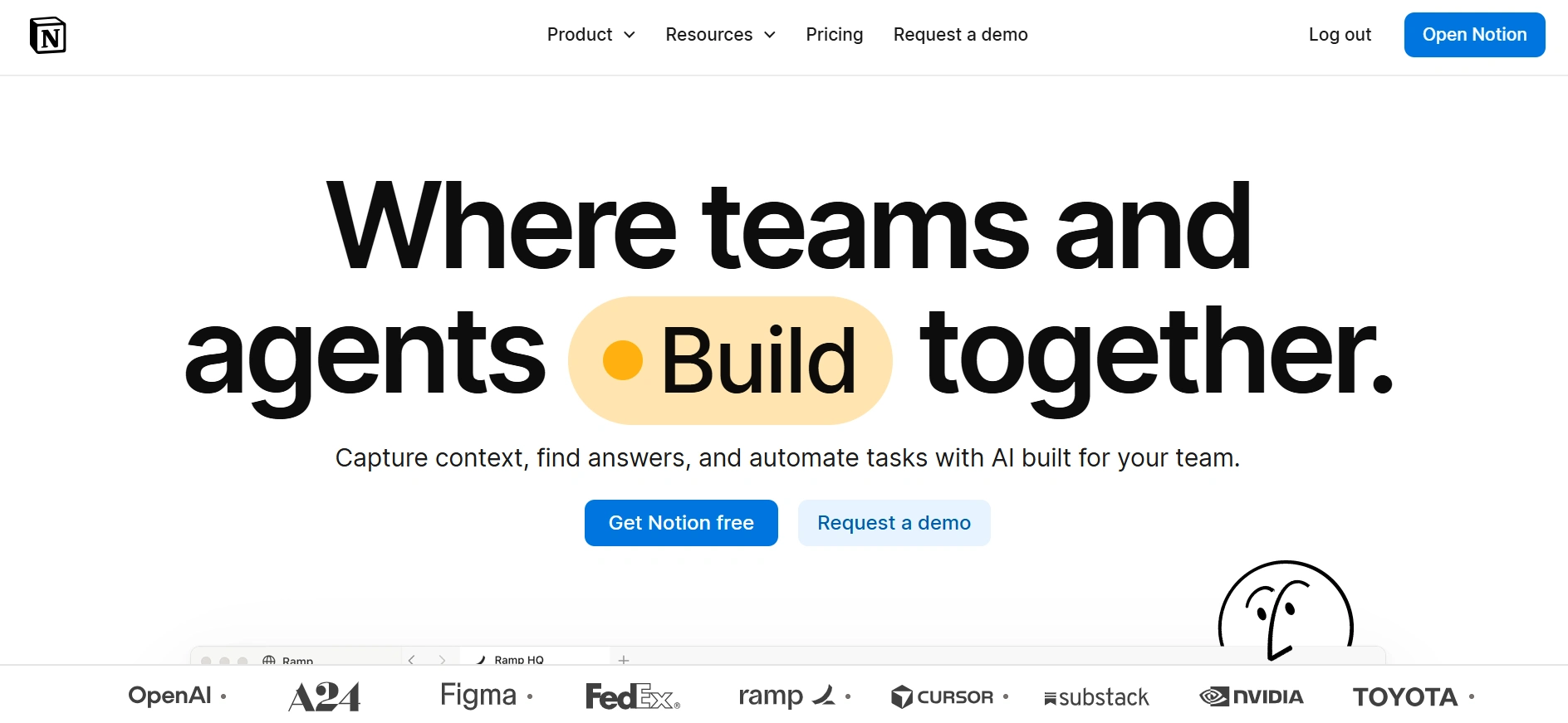
Notion is a productivity and workspace platform that brings notes, documents, databases, project management, collaboration, and AI tools together in one place. It can be used by individuals, freelancers, creators, teams, and businesses to organize information and manage different types of work without having to rely on several separate applications.
One of the main reasons people use Notion is its flexibility. You can create simple notes and to do lists, but you can also build more structured databases for managing projects, content calendars, clients, tasks, products, and other information. Its pages can be connected together, making it possible to build a workspace around the way you actually work.
Notion also provides project management features such as tasks, subtasks, dependencies, custom properties, boards, timelines, calendars, and other database views. This makes it useful for managing content schedules, freelance projects, business tasks, and team workflows.
For collaboration, teams can work together on documents and databases in real time, leave comments, create teamspaces, and manage shared company information. Notion can also connect with other services and bring information from connected tools into the workspace.
AI has become a much bigger part of Notion. Notion AI can help with writing and editing, finding information, and working with content inside a workspace. Notion also now offers AI Meeting Notes and Notion Agents. Business and Enterprise users can create Custom Agents that perform recurring tasks and workflows using information from Notion and connected services.
Notion has a free plan for individuals that includes pages, databases, basic forms, publishing pages to the web, and other productivity features. The Plus plan currently costs $10 per member per month, while Business costs $20 per member per month. Enterprise pricing is customized.
For bloggers and online business owners, Notion can be useful for organizing content ideas, editorial calendars, projects, research, client information, business processes, and other parts of an online workflow. It is particularly useful if you want one flexible workspace that can adapt as your projects become more complex.
Want to take your online income journey a step further? Check out our Online Income Starter Kits for simple, practical guidance you can put into action.
Key Features
- Notes and Documents: Create flexible documents for notes, articles, meeting records, plans, guides, and other information. Pages can contain text, images, tables, files, databases, and other content.
- Databases: Organize information using databases with custom properties, filters, sorting, relationships, and different views. This can be useful for managing content calendars, clients, tasks, products, and projects.
- Project Management: Create tasks, subtasks, dependencies, boards, timelines, calendars, and other views to plan and track projects and ongoing work.
- Real Time Collaboration: Work with other people on the same pages and databases, leave comments, and keep shared information in one workspace.
- Forms: Create forms and send responses directly into Notion databases, which can be useful for collecting information, requests, feedback, or submissions.
- Notion AI: Use AI for writing, editing, finding information, and working with content inside your workspace.
- AI Meeting Notes: Capture meeting notes and follow ups automatically without requiring a separate meeting bot.
- Notion Agents: Use AI agents to perform tasks using information from your workspace and connected tools. Business and Enterprise users can create Custom Agents for recurring workflows.
- Teamspaces: Create dedicated areas for teams and projects so related information can be organized and shared in one place.
- Web Publishing: Publish Notion pages as websites and create basic sites directly from your workspace.
- Integrations and Connections: Connect Notion with other services and bring information from tools such as Slack, GitHub, Google Drive, Asana, and other supported platforms into your workspace.
Pros
- Very flexible workspace.
- Useful for both personal and business productivity.
- Strong database functionality.
- Good project and content management features.
- Free plan available.
- Supports real time collaboration.
- AI features are becoming deeply integrated into the platform.
- Can replace several separate productivity tools.
Cons
- The flexibility can make Notion complicated for new users.
- Building an efficient workspace can take time.
- Advanced AI features depend on the plan.
- Custom Agents use a separate credit system on Business and Enterprise plans.
- Project management features may not be as advanced as dedicated project management platforms.
- Large workspaces can become difficult to organize without a clear structure.
- Some useful collaboration and administration features require paid plans
Best For
Bloggers, freelancers, content creators, online business owners, startups, small businesses, project teams, marketers, and professionals who need a flexible workspace for organizing information and managing work.