Canva is an online design platform that makes it easier to create visual content without needing advanced graphic design skills. It is used by bloggers, freelancers, creators, marketers, businesses, students, and online entrepreneurs to create everything from social media graphics and blog images to presentations, videos, documents, and marketing materials.
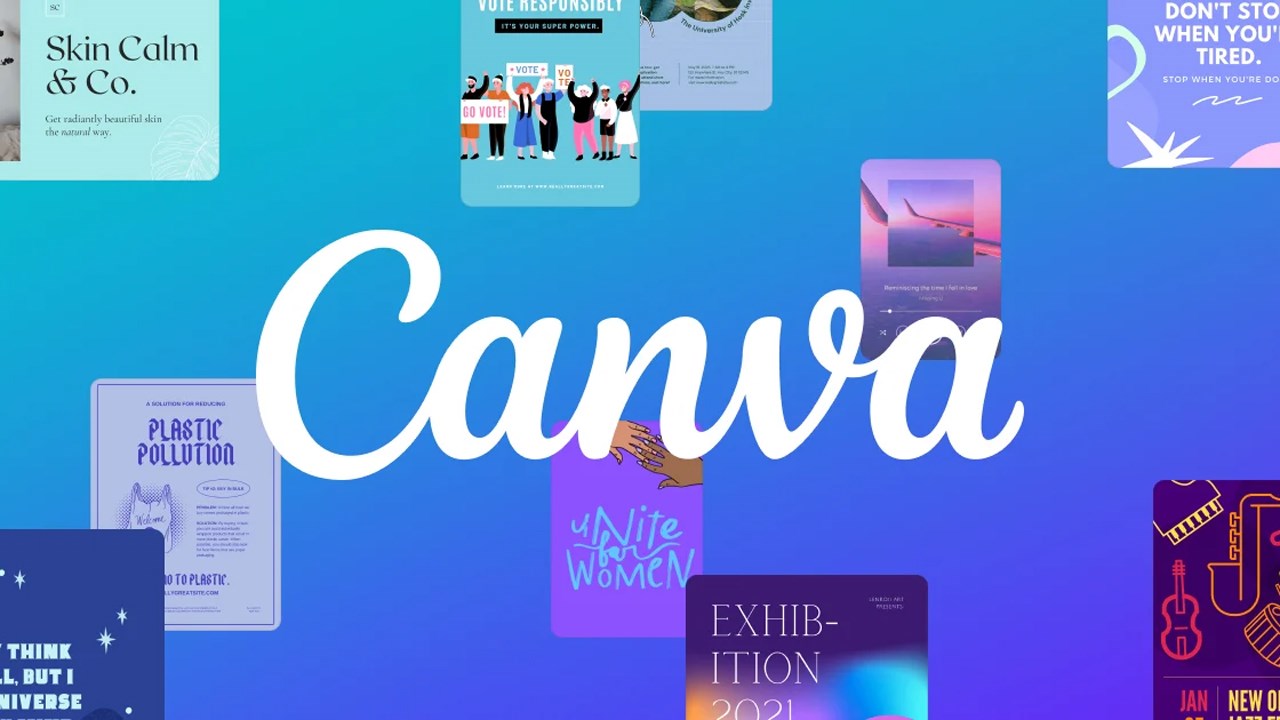
One of Canva’s biggest advantages is its large collection of templates. Instead of starting every design from a blank page, you can choose a template and customize the text, images, colors, fonts, and other elements to fit your needs. This can save time when creating content regularly.
The platform also includes a drag-and-drop editor that makes it relatively simple to create and edit designs. You can upload your own images and videos or use Canva’s library of stock photos, graphics, videos, audio, and other design elements. The free plan provides access to more than 1.6 million templates and millions of visual assets, while paid plans provide access to a much larger premium library.
Canva has also expanded significantly into AI-powered design and content creation. Its current AI features can help with tasks such as generating designs, creating and editing images, resizing content, removing backgrounds, translating designs, and creating other visual content. The exact AI access depends on the plan and usage allowance.
For people running an online business, Canva can be useful beyond simple graphic design. You can create social media content, presentations, lead magnets, ebooks, advertisements, branded materials, videos, and other assets needed to promote a website, service, product, or personal brand.
Canva offers a free plan, while Canva Pro and Canva Business provide additional premium content, AI features, brand tools, collaboration features, and other capabilities.
For anyone who regularly creates visual content online, Canva is one of the more practical tools to have in their workflow.
Want to take your online income journey a step further? Check out our Online Income Starter Kits for simple, practical guidance you can put into action.
Key Features
Drag and drop design editor: Create and edit designs by adding, moving, resizing, and customizing elements without needing traditional graphic design software or advanced design skills.
Design templates: Choose from a large library of templates for social media posts, presentations, documents, videos, marketing materials, logos, and many other types of content.
Stock content library: Access photos, videos, graphics, audio, fonts, and other visual assets directly inside Canva. The amount of premium content available depends on the plan.
AI design tools: Use Canva's AI features to generate designs and visual content, edit images, create backgrounds, resize designs, and perform other creative tasks. AI availability and usage limits depend on the plan.
Video creation: Create and edit videos using templates, stock footage, graphics, audio, text, and other elements. This makes Canva useful for social media videos and other short form content.
Brand management: Store brand colors, fonts, logos, and other assets in Brand Kits so that designs can maintain a consistent visual identity. Paid plans provide additional Brand Kits and brand management capabilities.
Social media content: Create content for different social platforms and, on supported paid plans, schedule social content directly through Canva.
Collaboration: Share designs with other people so they can view, comment, edit, and work on projects together. Canva supports real time collaboration across its visual workspace.
Multiple content formats: Work on presentations, documents, websites, whiteboards, videos, social graphics, and other formats from the same platform.
Pros
Easy to use for beginners.
Large selection of templates and design assets.
Free plan available.
Useful for many types of online content.
Strong collection of AI design features.
Helpful brand management tools.
Supports collaboration and social media workflows.
Cons
Many of the best templates and assets require a paid plan.
AI features have usage limits that vary by plan.
The large number of features can take time to learn.
Some advanced design work may still require professional design software.
Canva designs can look generic if templates are used without enough customization.
Best For
Bloggers, content creators, freelancers, marketers, social media managers, online businesses, and entrepreneurs.